The first step is to get connected to the StepperII Controller. We will be communicating with the controller over a virtual serial USB port connected to a PC running a terminal emulator.
- Note:
- This discussion assumes you are using a PC running HyperTerminal on Windows XP. Other terminal emulators and/or operating systems may require slightly different procedures.
-
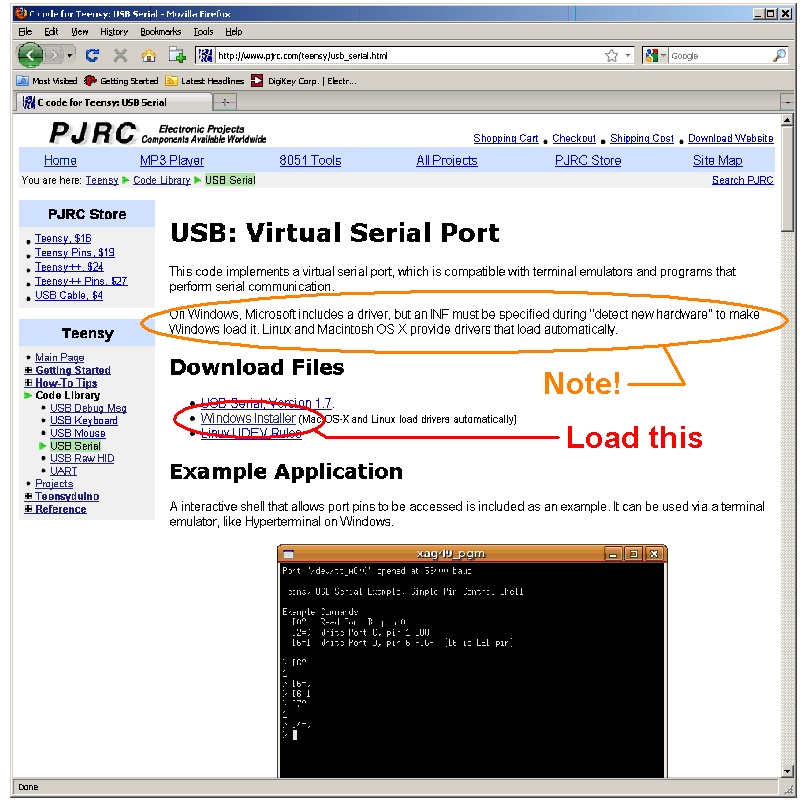
Do not attach the StepperII USB cable to the PC until you have downloaded the serial_install.exe file
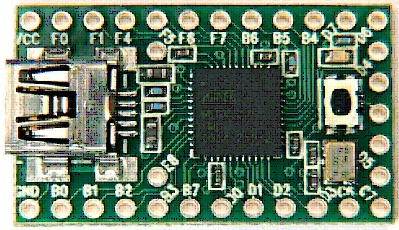
Teensy 2.0
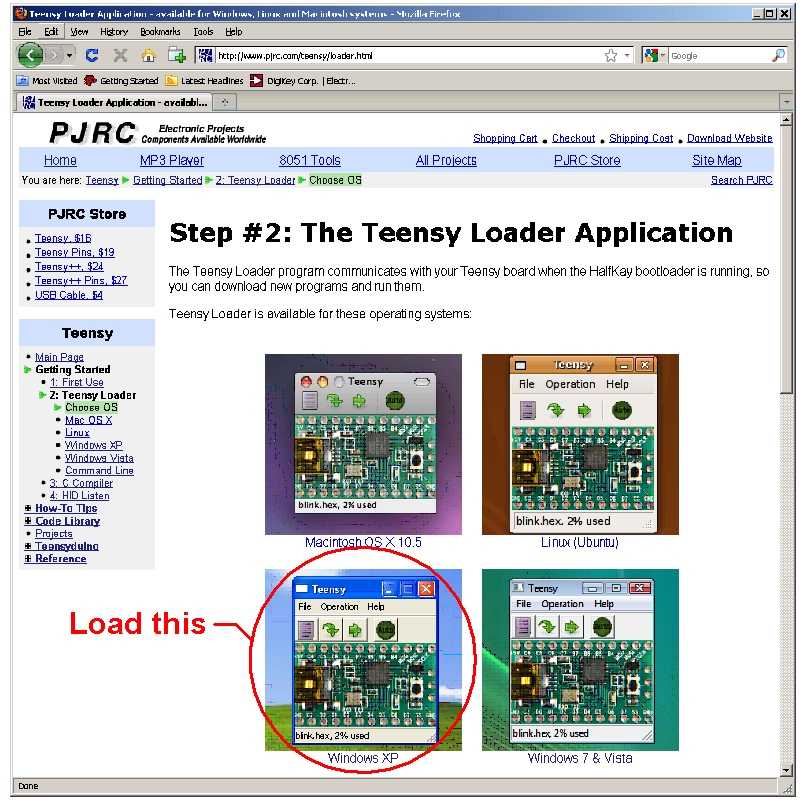
Step 1: Download Files
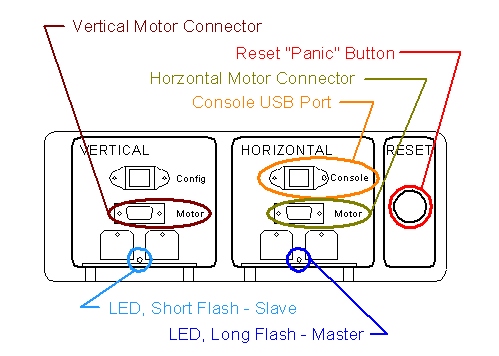
Step 2: Attach a USB cable from the PC to the StepperII console USB port shown below
- If "detect new hardware" comes up,
- Todo:
- Not sure what the exact procedure is here. Something must be done with serial_install.exe.
 1.7.3
1.7.3

